- Solutions
By challenge
By team

Branding
[Webinar] Branding in disruptive times
Creative director Lee Casey shares four essential lessons for brand leaders on staying relevant through uncertainty.
- Product
Capabilities
What’s new

Privacy & security
urllo's free redirect checker
Analyze redirects at scale with bulk checks, fast troubleshooting and clear insight into chain, DNS and HTTPS issues.
- Resources
Resources
Help & trust

What's new
URL redirect guide
Learn about the different types of redirects, when to use them and how to create one.
- Pricing
- Company
MCP server
Your redirects, inside the AI tools you already use
Our MCP server connects your urllo account to Claude, ChatGPT and any other assistant that speaks the Model Context Protocol.
Ask for a redirect in plain language and it gets created, checked or changed in your account, with your approval at every step.
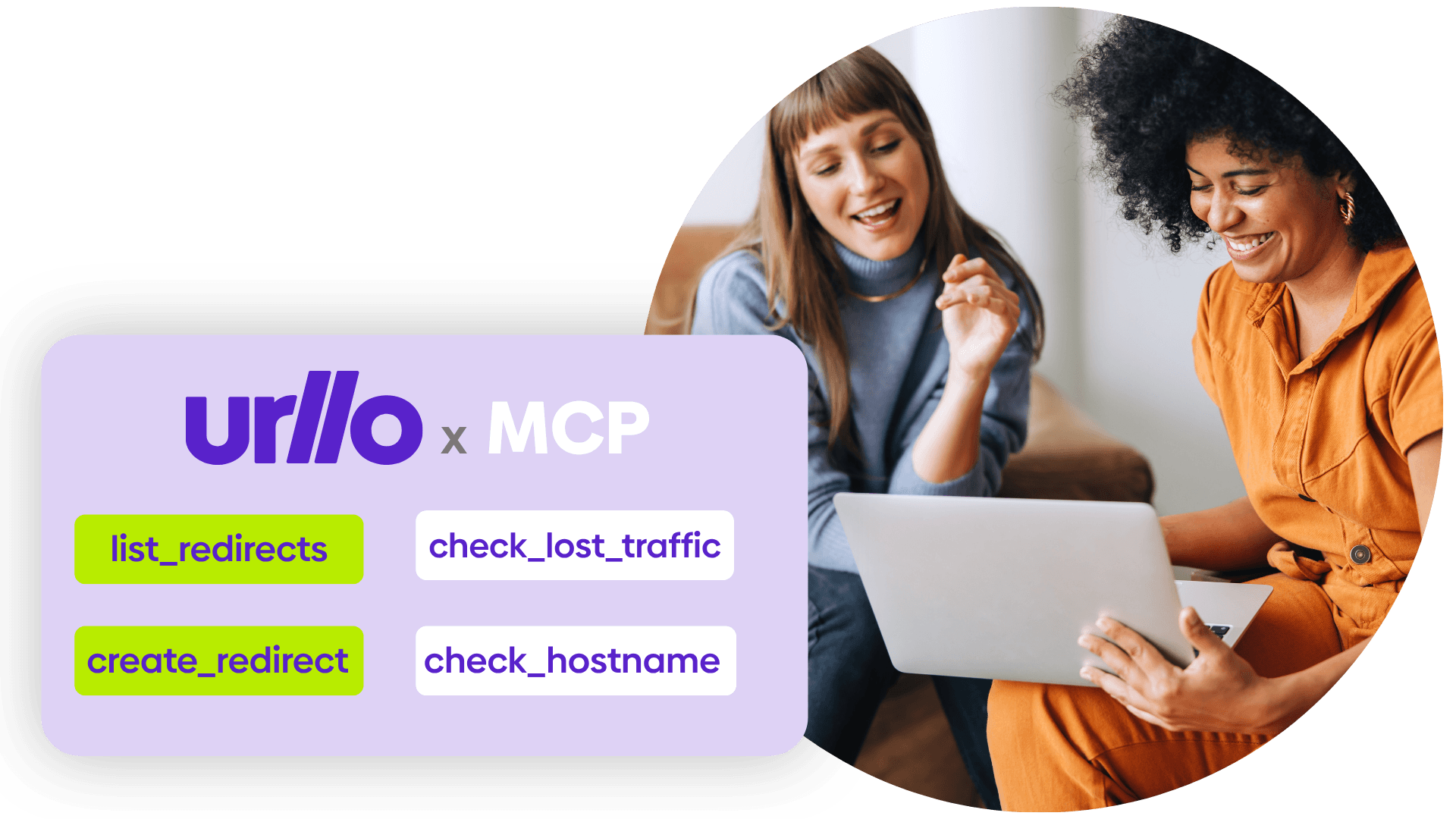
What can you do?
Create
Add a single redirect in plain language without opening the dashboard.
- "Create a 301 from /old-pricing to /pricing on this hostname."
Secure
Toggle HTTPS, search for unsecured URLs and trigger DNS refresh checks.
- "Check for any expired certificates."
Search
List every rule on a hostname and filter by type, destination or date created.
- "Find all the redirects for this hostname."
Bulk changes
Map old URLs to new ones from a sitemap or CSV and create every rule in one pass.
- "Map our old sitemap to the new one and create the rules."
Debug a problem
Trace which rule should catch a request, find the conflict and see why it failed.
- "Why are requests to /pricing-2025 returning a 404?"
Plan a migration
Review every rule on a path before you move it, then draft the new rules you need.
- "Show every rule that touches /blog before we move it to /resources."
Campaigns
Set up campaign links in minutes and keep tracking consistent across every channel.
- "Create vanity URLs for our fall launch with our UTM structure."
Track changes
See what changed, when it changed and who made the change on this hostname.
- "Show every redirect changed this week and who changed it."
Analytics
See which redirects get the most traffic and which old URLs still get hits.
- "Show which retired URLs are still getting the most traffic."
How it works
Your assistant does the work. You stay in control.
Setup takes a few minutes and doesn't need any code. Your AI assistant can read your redirects, suggest changes and make them for you. Nothing goes live until you approve it and every change is logged in urllo.

Configure
Connect urllo to your AI assistant with an API key.

Ask
Describe the change you need in plain language.

Approve
Review what your assistant plans to do and confirm it.

Done
Your changes go live and are logged in urllo.
MCP lets your AI assistant work inside urllo the way you would
MCP is an open standard for letting an AI assistant work with a real system instead of guessing about it. The urllo MCP server is our implementation of it, hosted by us and authorized by you.
- Hosted, not installed. A remote server on our infrastructure. Nothing to run, nothing to keep patched.
- Scoped to you. The connection inherits your organizations and roles. It cannot reach what you cannot reach.
- Approval on every call. Reads and writes both surface in the client before they run, with the arguments visible.
Built on infrastructure you can trust
Your AI assistant is new. The platform it works on has more than a decade of reliability behind it.
1000+
clients in 75+ countries
99.999%
historical uptime
25B+
requests per year
IT & WebOps
Automate day-to-day redirect management.
- Clear redirect tickets out of your queue
- Map redirects for migrations in one pass
- Trace why a rule isn't firing
Marketing & SEO
Launch campaigns and create redirects without waiting on developers.
- Update campaign links on your own schedule
- Find old URLs that still bring in visitors
- Protect rankings through site changes

Get started!
Connect urllo to your AI assistant
Set up the MCP server in a few minutes and make your first change in plain language.
Frequently asked questions about urllo's MCP server
What is an MCP server?
MCP (Model Context Protocol) is an open standard that lets AI assistants connect to other tools. The urllo MCP server lets your assistant read and manage your redirects the way you would in the dashboard.
Which assistants work with it?
Any MCP client that supports remote servers over HTTP, including Claude, Claude Code, ChatGPT and Gemini.
What can the AI see in my account?
Only what the API key you connect to can access. Revoke the key anytime to cut off access.
Can I use it with other MCP servers?
Yes, it can be paired with other MCP servers to solve problems in one conversation.
Can the AI make changes without my approval?
No. Your assistant shows you what it plans to do and waits for you to confirm before anything goes live.
Can I delete my entire account by accident?
The assistant has the same editing and viewing permissions as the account you’re authorizing it to. Anything the assistant could mistakenly do could also be done in the dashboard by the user. We have put in some checks to help make sure no unwanted changes are made.
How is this different from the urllo API?
The API is for developers to hardcode connections between software. The MCP server sits on top of the API, so anyone can use it by asking their AI assistant.
Does it count toward my API limits?
Yes. Requests made through the MCP server use the same API limits as your plan.
Can my whole team use it?
Yes. Each team member connects with their own key, so the audit trail shows who made each change.
Let’s get you
startedconnectedevolvinginnovatinggrowingintegratedprotectedoptimizedstreamlinedtransformingscalingconnectedevolvinginnovatinggrowingintegratedprotectedoptimizedstreamlinedtransformingscalingconnectedevolvinginnovatinggrowingintegratedprotectedoptimizedstreamlinedtransformingscaling
For enterprise
Get the world’s most trusted URL redirect service.
Try urllo for free
Get started with a 14-day free trial, no credit card required.
Stay connected
Explore expert content and the latest news from urllo.