- Solutions
By challenge
By team

Branding
[Webinar] Branding in disruptive times
Creative director Lee Casey shares four essential lessons for brand leaders on staying relevant through uncertainty.
- Product
Capabilities
What’s new

Privacy & security
urllo's free redirect checker
Analyze redirects at scale with bulk checks, fast troubleshooting and clear insight into chain, DNS and HTTPS issues.
- Resources
Resources
Help & trust

What's new
URL redirect guide
Learn about the different types of redirects, when to use them and how to create one.
- Pricing
- Company

Trusted by 1,000+ companies worldwide












Ways teams use website redirects
Redirect outdated pages
Send visitors from outdated URLs to the most relevant active page. Avoid leaving them with a 404 or sending them to a generic homepage.
Fix broken links
Repair broken paths from old campaigns, deleted pages, outdated internal links or external backlinks. Help users reach useful content.
Protect site migrations
Map old URLs to new destinations before launch, helping protect traffic, rankings and user journeys during website migrations.
Change URLs safely
Change slugs, folders or page paths without losing visitors who still use the old URLs.
Consolidate duplicate content
Route traffic from duplicate, outdated or alternate URLs to a single preferred destination to keep your site structure cleaner.
Strengthen SEO
Use proper redirects to preserve link equity, reduce 404s, avoid redirect chains and help search engines understand where content has moved.
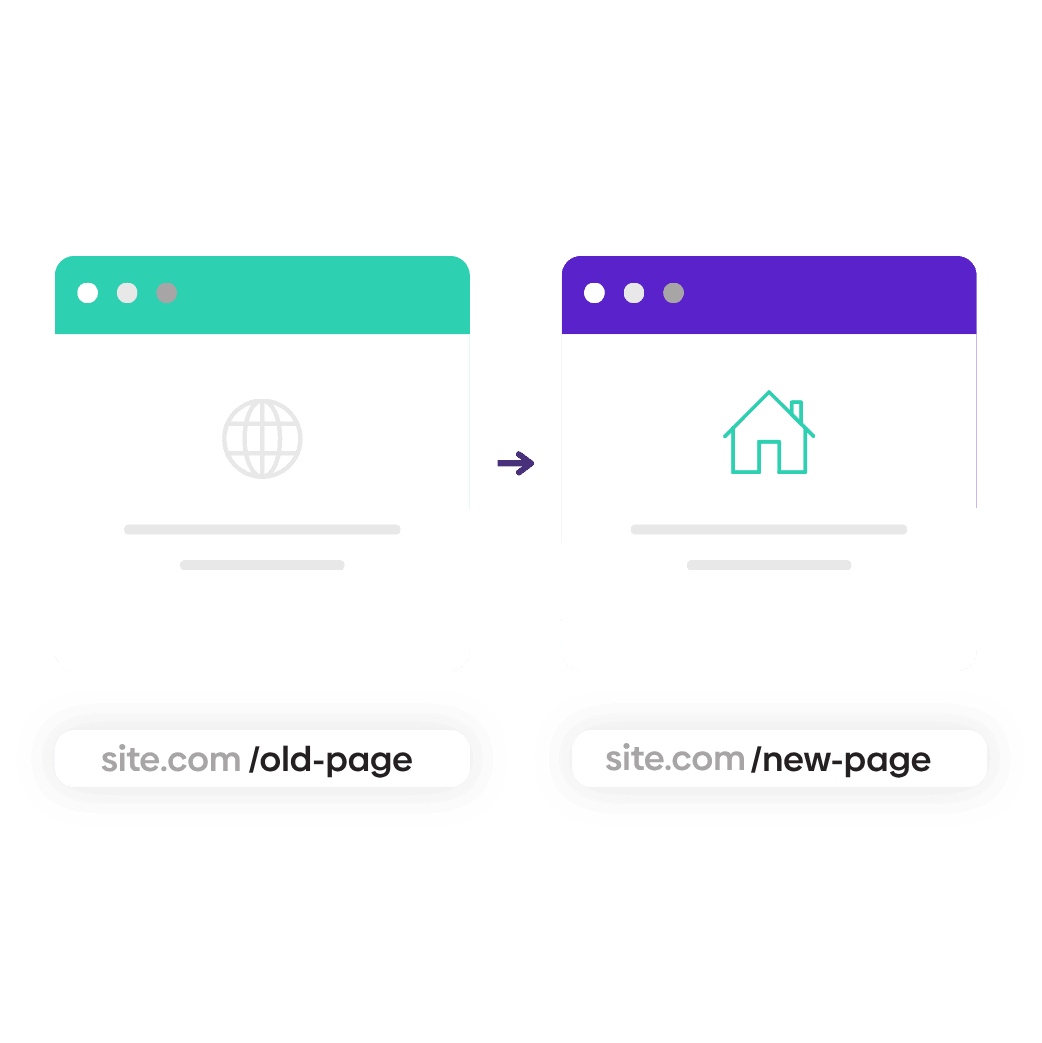
What is a website redirector?
A website redirector helps control what happens when someone visits a URL on your site.
- If the original page is still available, the content loads normally.
- If the URL is broken, outdated or has moved, the visitor can be sent to the most relevant destination instead.
- Redirect changed URLs.
- Fix broken paths.
- Check origin responses.
- Serve the right destination.
Comparing redirect use cases
Website redirects are best when the content still lives on the same site, but a specific URL needs to move.
Domain forwarding makes sense when content is hosted on a different domain and the old domain should send visitors to the new domain.
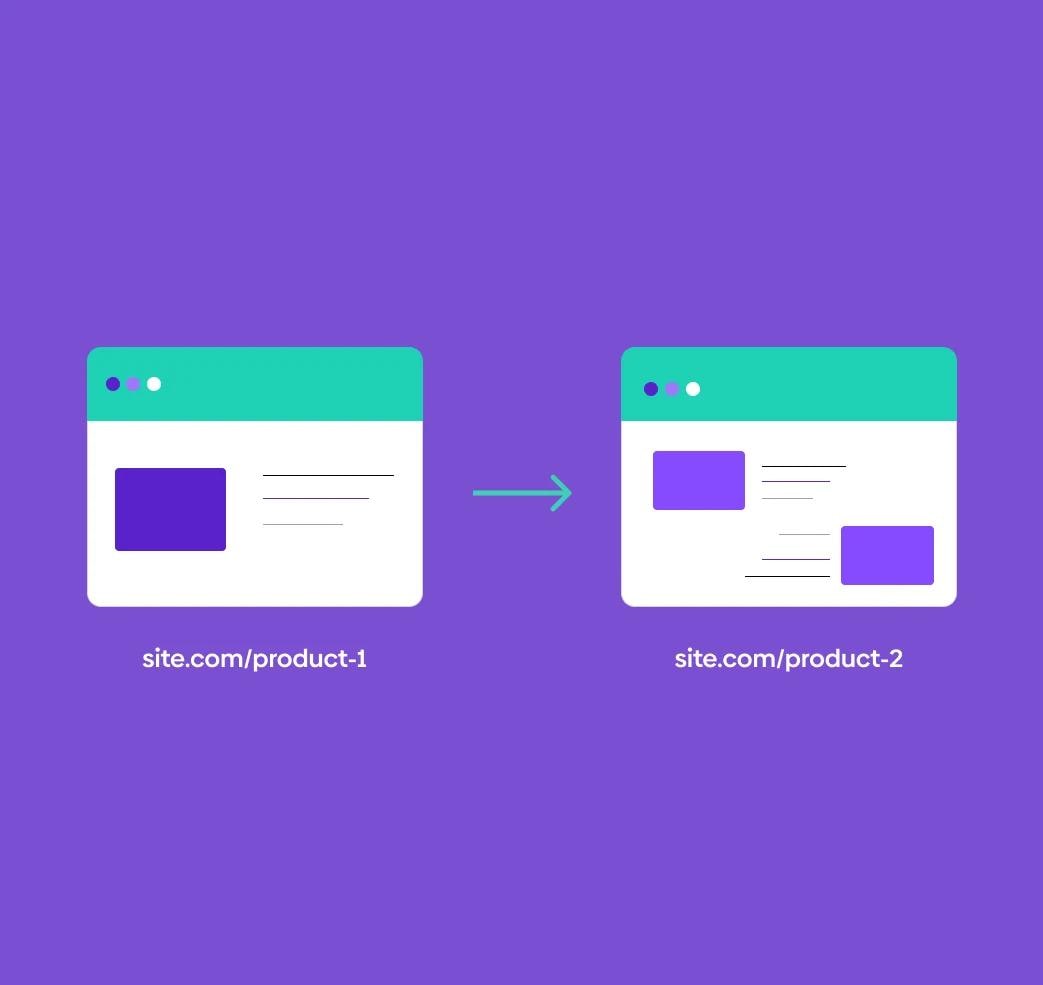
Website redirects
Redirect a specific page or path to another page on the same domain, while the rest of the website continues loading normally.
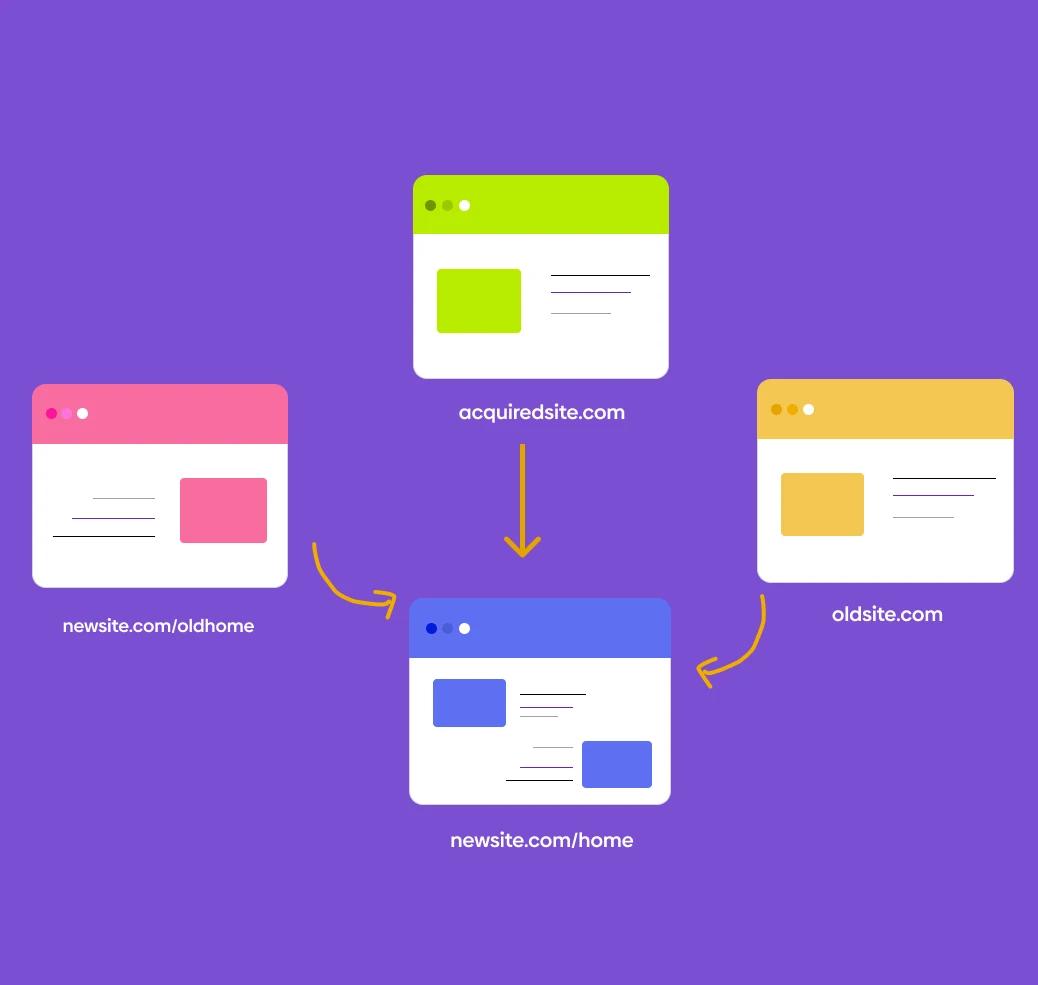
Domain forwarding
Forward an entire domain to content hosted on another website or brand domain.
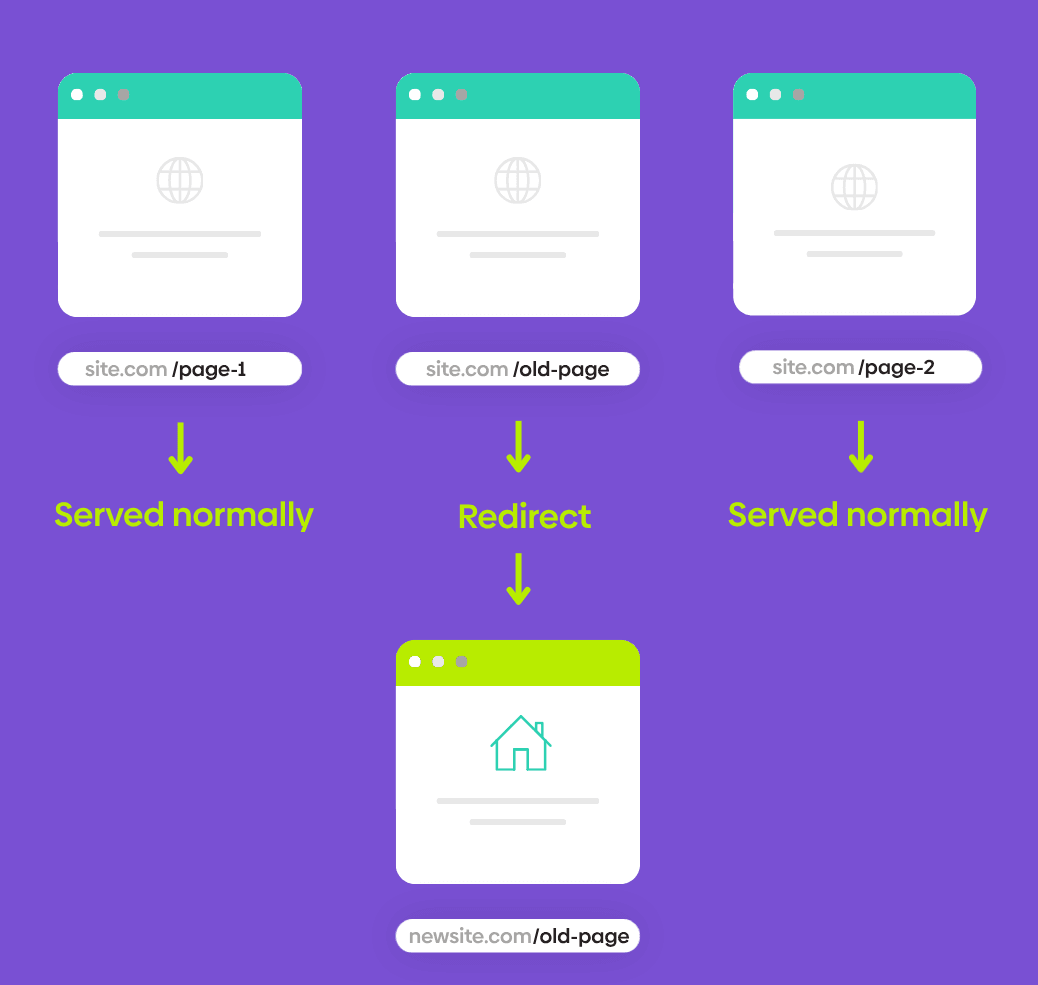
Cross-domain redirects
Redirect a specific page or path to a page on another domain, while the rest of the website continues loading normally.
How a website redirector works
A website redirector sits between the visitor and your content. When someone requests a URL, urllo checks the origin response at the edge before deciding what to do next.
If the origin returns a healthy 200 OK response, the page loads normally. If the origin returns a non-200 status code, urllo evaluates the response and applies the matching redirect rule so the visitor can be sent to the right destination instead of hitting a broken path.

1. Visitor enters URL
A user clicks or enters a website URL.
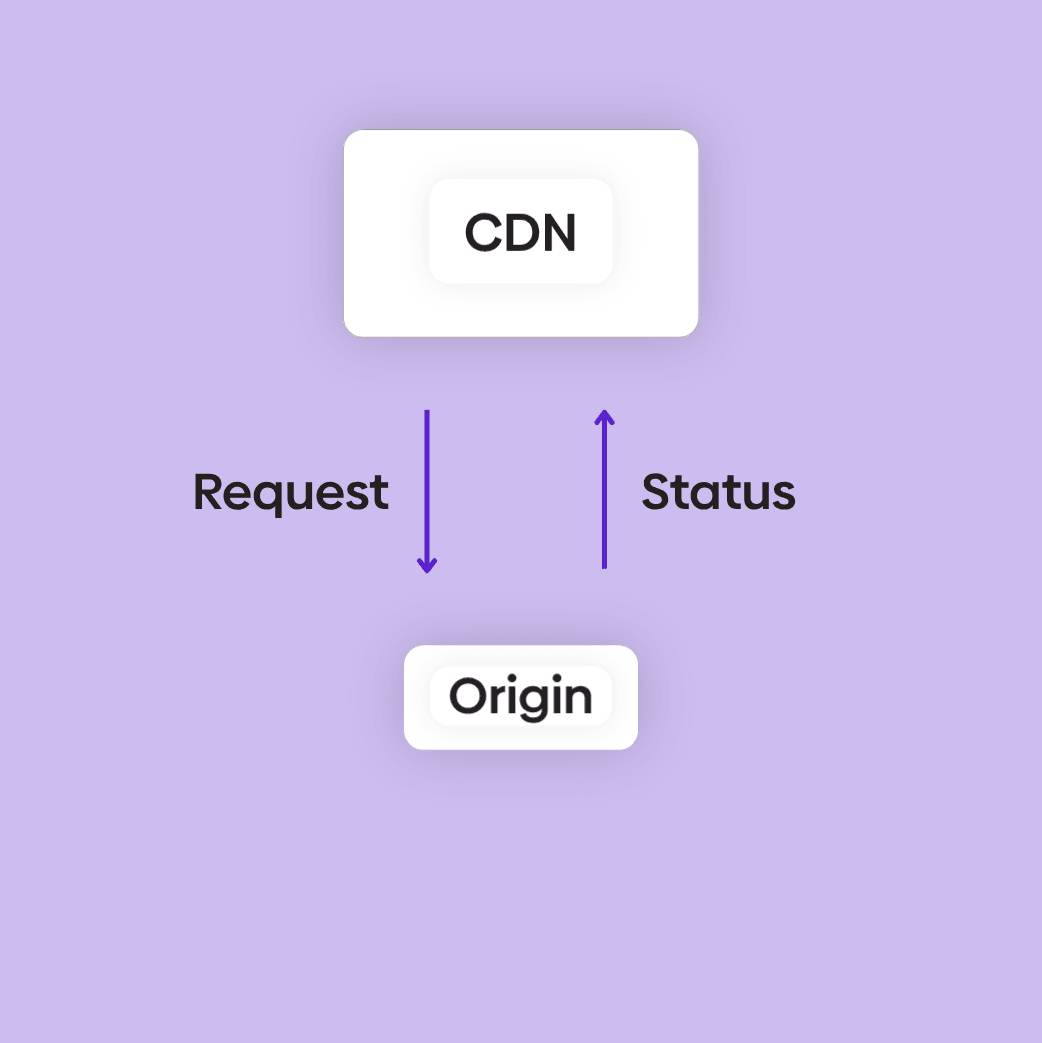
2. The CDN checks the origin
At the edge, the request is forwarded to your origin.
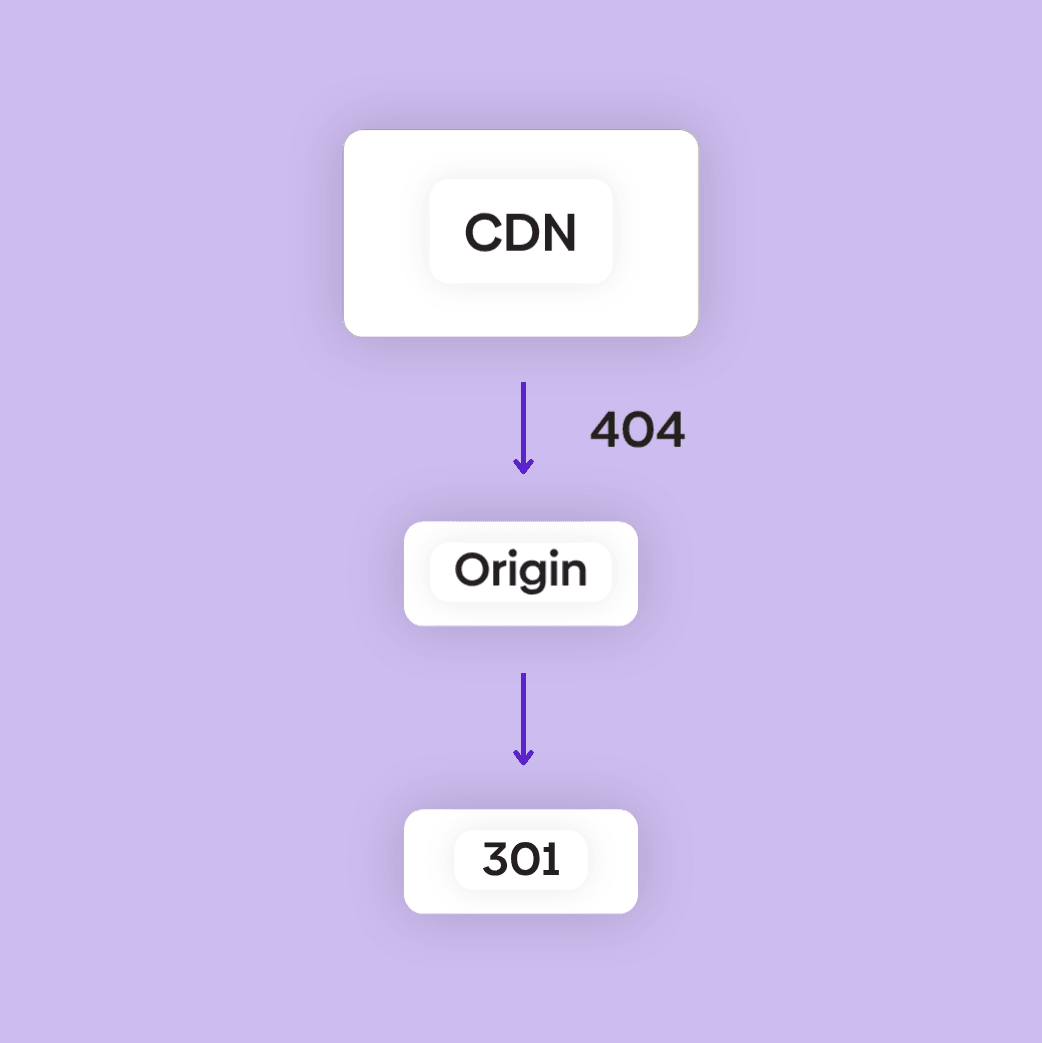
3. urllo reads the status
A 200 OK continues normally. A 404 goes to urllo, which returns the matching redirect.
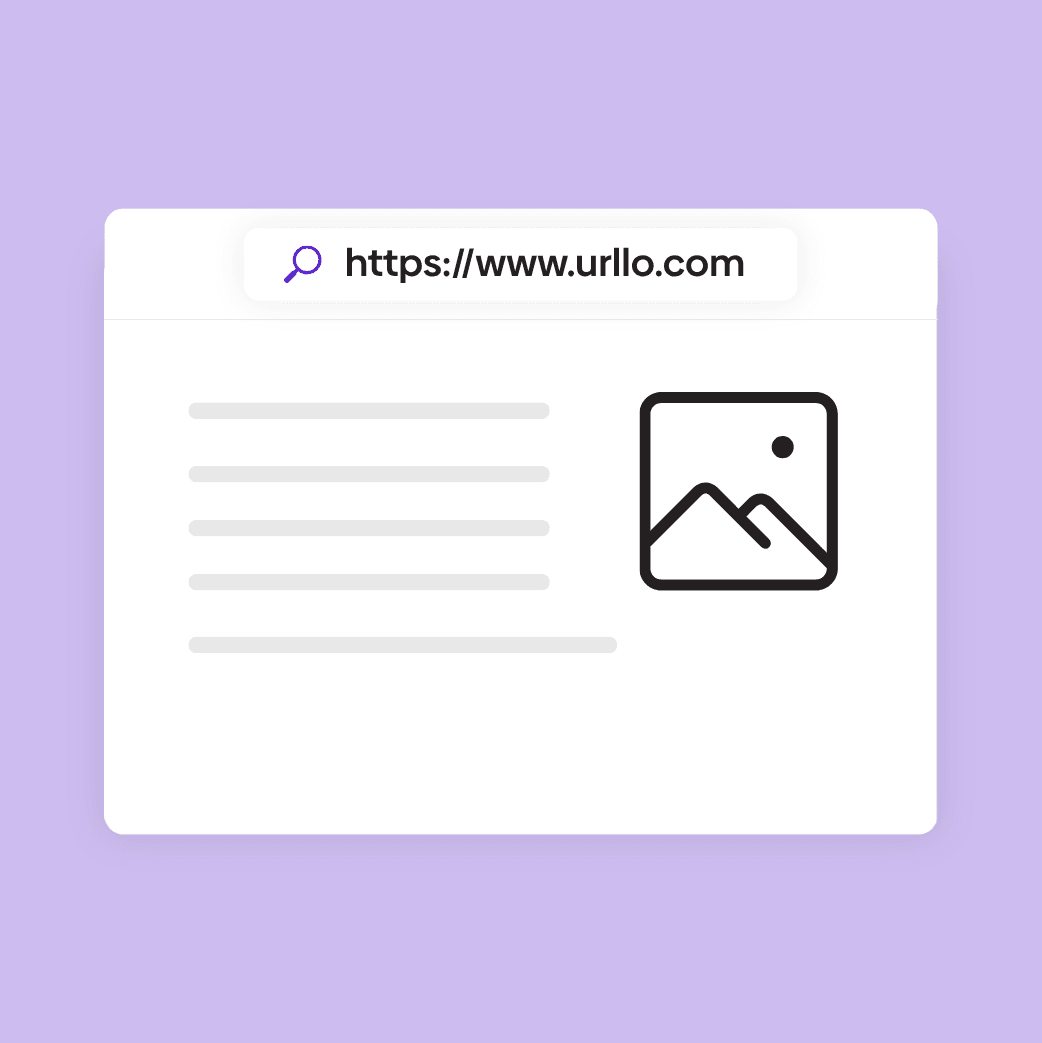
4. The right result is served
The original page or a 301 to its new home.
CDN-level integration for faster redirects
Integrate securely via Cloudflare, CloudFront, Fastly and more
Now you can connect your websites and domains into one secure, reliable URL redirect service to manage all your redirects and branded links in one place.
- Unified visibility and governance in one dashboard.
- Eliminate dependency on plugins and code.
- 99.999% uptime with lightning-fast delivery.
- Bulk import from CSV.

Manage your website redirects more efficiently today!
Manage your website redirects without touching your CMS or server config.
urllo helps teams route visitors to the right place, whether that means letting the page load normally or redirecting the URL to a better destination.
- Edge-level integration.
- Fastest total response time.
- Serve content while redirecting certain pages.
Website redirector resources

How to create a website redirect
Follow the basic steps for creating a website redirect that sends visitors to the correct page.

How to use a website redirector
Learn how website redirectors route broken, outdated or changed URLs to the right destination.

What is a website redirect
Understand how website redirects work and when to use them for moved or updated pages.

URL redirect guide
Explore the main types of URL redirects, common use cases and best practices for managing them.
Frequently asked questions about web redirects
What is a website redirector?
A website redirector manages redirects for the pages on a website that hosts content. It sends visitors from an old URL to its new destination when a page is renamed, moved or replaced.
For example:
example.com/old-page → example.com/new-page
Instead of letting visitors hit a broken page, a website redirector routes them to the most relevant destination.
How is a website redirector different from domain forwarding?
The real difference is whether the domain is hosting content.
A website redirector is for websites that host content. Your site keeps serving pages as normal, and you redirect specific URLs to another page on your site or to a different site:
example.com/old-blog-post → example.com/new-blog-post
Domain forwarding is for domains that don't host content. The domain's DNS points to urllo, and urllo sends all of its traffic somewhere else:
oldbrand.com → newbrand.com
Can I redirect one page without redirecting my whole domain?
Yes. With the right setup, you can redirect one specific page while the rest of your website continues to load normally.
For example:
example.com/old-page → example.com/new-page
While:
example.com/pricing
example.com/contact
example.com/blog
Continue loading as usual.
This is where cdn-level redirecting is useful, because it can apply redirect logic to specific URLs without taking over the whole domain.
Does urllo support same-domain redirects?
Yes. urllo supports same-domain redirects, which means you can redirect one URL path to another URL path on the same website.
For example:
example.com/services-old → example.com/services
This is useful for page updates, deleted pages, blog restructures, campaign cleanup, content consolidation and SEO maintenance.
Do I need to change my DNS to use a website redirector?
It depends on the redirect setup.
For domain forwarding, DNS changes are usually required because the whole domain needs to point to the redirect provider.
For same-domain or edge-level website redirects, the setup may involve connecting urllo through your edge provider, CDN or infrastructure rather than fully moving your DNS. This allows redirects to be handled before requests reach your origin while keeping the rest of your site live.
Does urllo work with Cloudflare, Fastly or AWS CloudFront?
Yes. urllo can work with cdn-level setups such as Cloudflare, Fastly or AWS CloudFront. urllo runs as a small function inside your CDN, which means redirect logic runs before requests reach your server. You control exactly which paths it applies to, without forwarding the entire domain.
What happens if the origin returns a 200 status code?
If the origin returns a 200 OK status code, the visitor continues to the original page as normal. If the page is available and loads successfully, your CDN serves the page as usual. urllo never touches the request.
What happens if the origin returns a 404 or other non-200 status?
In case of a 404, one of two things can happen:
If you've set up a redirect in urllo for that URL, the visitor is sent to the new destination. For example, if an old page returns a 404, urllo can route visitors to the most relevant replacement page instead of leaving them on a broken URL.
If there's no matching redirect in urllo, your regular 404 page shows as usual.
Let’s get you
startedconnectedevolvinginnovatinggrowingintegratedprotectedoptimizedstreamlinedtransformingscalingconnectedevolvinginnovatinggrowingintegratedprotectedoptimizedstreamlinedtransformingscalingconnectedevolvinginnovatinggrowingintegratedprotectedoptimizedstreamlinedtransformingscaling
For enterprise
Get the world’s most trusted URL redirect service.
Try urllo for free
Get started with a 14-day free trial, no credit card required.
Stay connected
Explore expert content and the latest news from urllo.
