
If you are evaluating redirect services, urllo and SiteDetour might both be under evaluation. They both overlap when it comes to being able to redirect URLs at a surface level. But when you start to really dig deep, you’ll find they have significant differences. This guide breaks down where the two are alike, where they diverge and which one fits the kind of redirects your team actually runs.
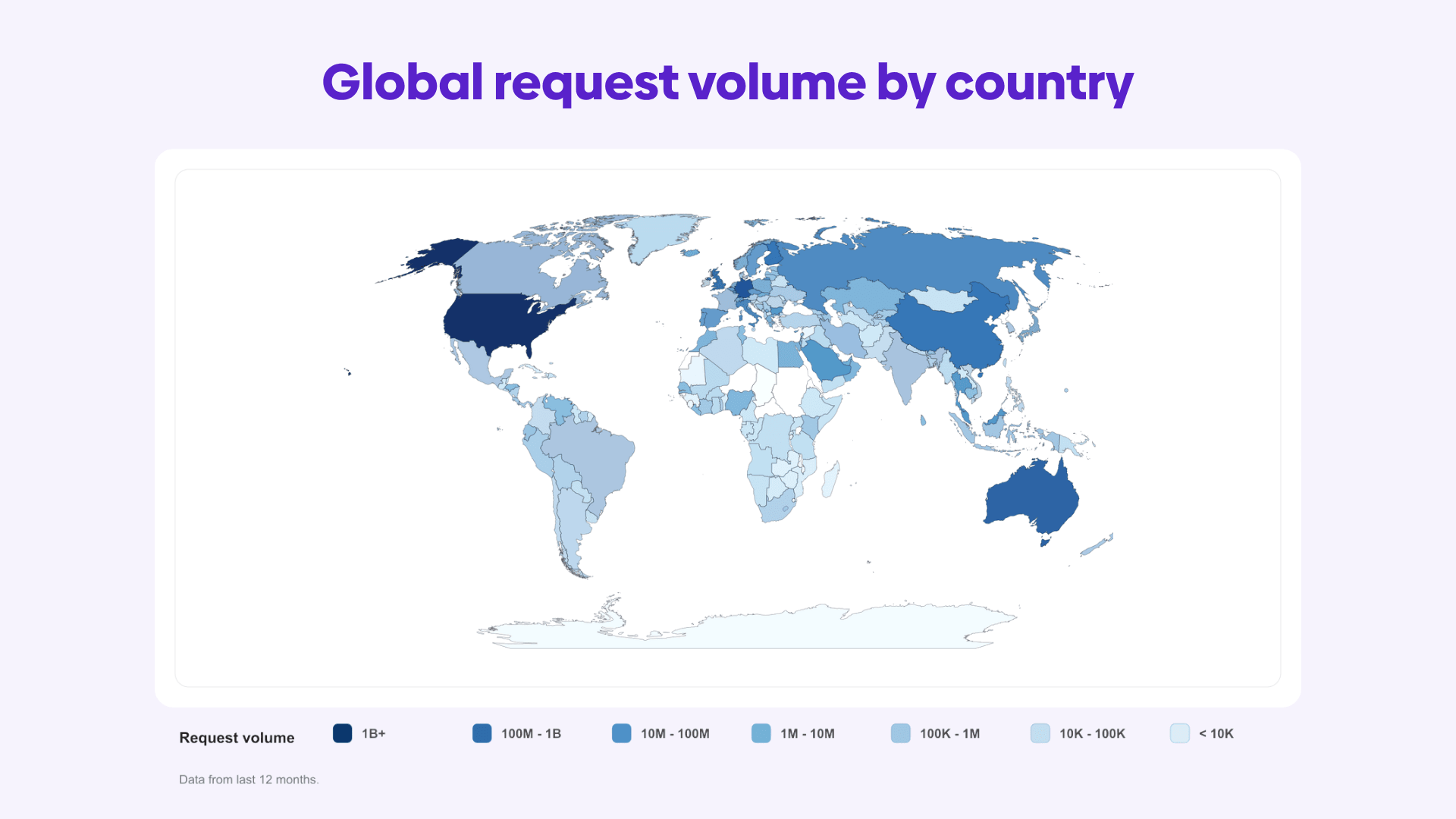
A bit of background first. urllo, formerly EasyRedir, has been managing redirects since 2014. We’re trusted by more than 1,000 companies across 200+ countries, including organizations with $100+ million in annual revenue and handle over 25 billion requests per year.
SiteDetour is a URL redirect and dynamic marketing link platform, with a strong focus on visitor targeting and personalization.
SiteDetour leads with personalization: routing a single link or QR code to different destinations based on a visitor's location, device, time of day and other signals.
urllo leads with infrastructure: low-latency delivery, edge-level control, resilience and governance for redirects that revenue, migrations and customer access depend on.
Both create redirects and marketing links. The real question is what you need those redirects to do and how much you need to trust them when they carry critical traffic.
Which features actually matter when you're choosing?
Start with a simple question: how much do these redirects matter?
A handful of low-importance URLs or hobby domains that carry no real traffic don't need much and the bar for what’s acceptable is lower.
The answer changes the moment redirects sit in front of revenue: paid campaigns, customer logins, a live migration, branded short links or a domain you've spent years building rankings for.
That's the feedback we hear most often from our Fortune 500 customers. Once the stakes are real, four things rise to the top: what the platform can actually do, how reliably it does it, how fast and how well it's supported. Here's how to weigh each before getting into a head-to-head on urllo versus SiteDetour.
Use case fit
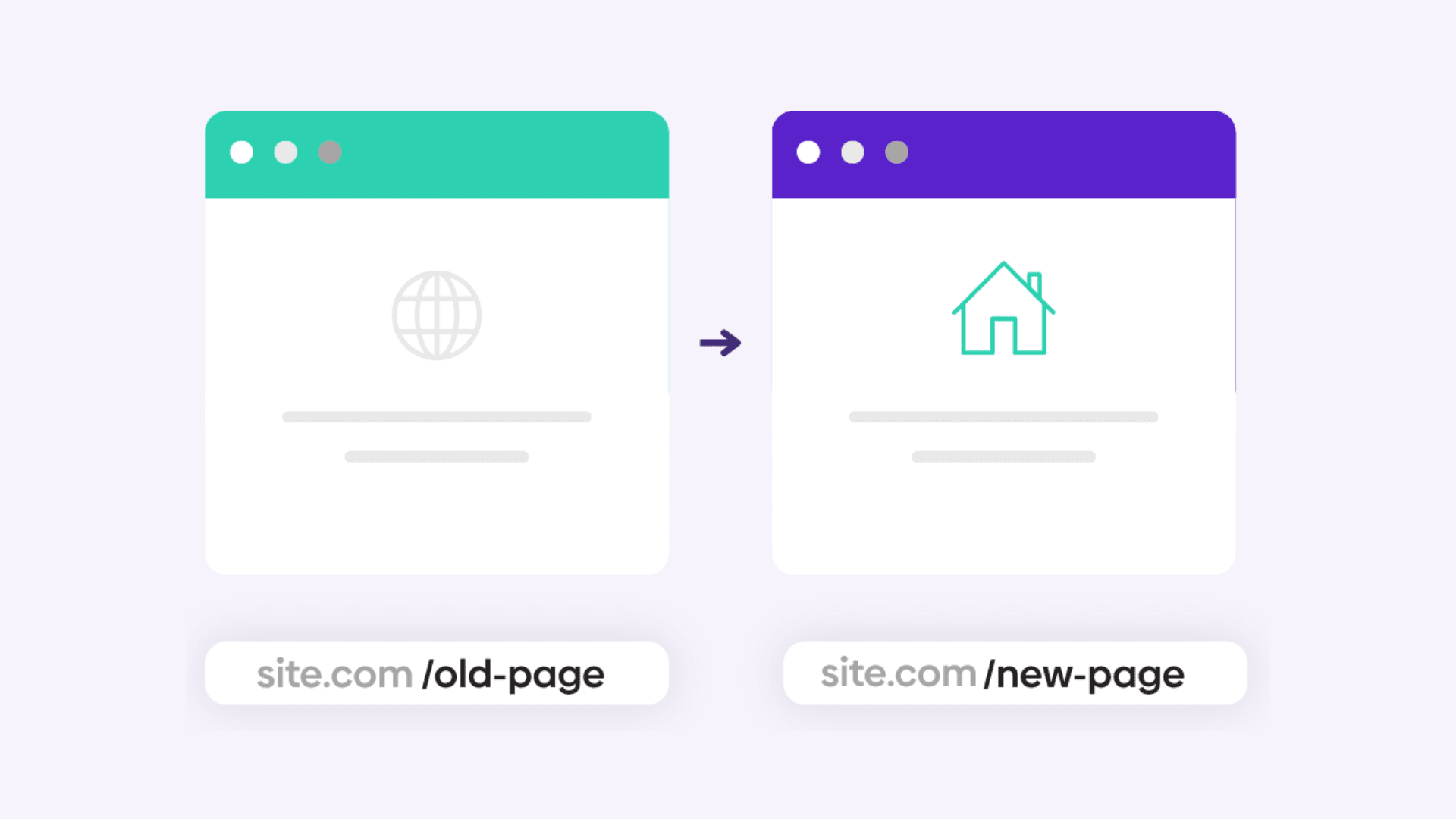
It pays to be precise about the workflow you're solving for, because "redirect" covers a few different jobs:
- A page-level redirect points one URL to another on the same site, say /blog/qr-codes-2025 to /blog/qr-codes-2026.
- A cross-domain redirect sends a specific URL somewhere else entirely, like oldsite.com/pricing to newsite.com/plans.
- A domain redirect (or domain forwarding) hands an entire domain off to another, oldbrand.com, straight through to newbrand.com.
This is not just a technical distinction. Full-domain forwarding and page-level rules are handled in fundamentally different ways. DNS-based forwarding is clean when every request should land on the new domain, but it breaks down the moment you want certain paths to redirect while the rest of the site keeps serving from its origin.
That selective routing needs control at the edge, not at the DNS layer. Edge-served redirects also process requests closer to the visitor, which is where the latency savings come from.
So the real question isn't whether a tool does redirects. They all do. It's whether you need full-domain forwarding, individual URL rules, cross-domain hops, origin-aware routing, edge-level control or a setup that’s safe and simple enough for non-technical teammates to touch.
Reliability and latency

A redirect is a link in the chain between a click and a landing page. Break that link and the visitor never arrives, no matter how useful the destination is.
For low-stakes forwarding, the occasional blip won't cost you much. For a campaign mid-flight, a migration in progress or a domain your brand leans on, uptime stops being a nice-to-have. Every request you redirect flows through the provider's infrastructure, so that infrastructure has to absorb traffic spikes without buckling. DDoS protection earns its keep here too, holding redirects open during the abnormal surges that would otherwise take them offline.
Pricing model
Sticker price tells you almost nothing on its own, because platforms can meter usage in completely different ways. Knowing whether you pay by the source URL, source hostname or source domain is essential.
Before comparing monthly numbers, get answers to the questions that actually move the bill:
- How many source URLs, domains or hostnames are included?
- Are path-level redirects capped?
- Is traffic metered and what happens when you go over?
- Do team seats cost extra?
- Is analytics in the plan or an add-on?
- Are API access, bulk imports, access controls and SSO gated behind higher tiers?
The plan that looks cheapest at the top often becomes the most expensive one once your real usage maps onto its pricing axis.
Features

Spinning up a redirect is the easy part. Managing hundreds of them accurately and safely, without breaking something downstream, is what separates the tools. The features worth checking for:
- HTTPS handling: valid SSL/TLS so visitors never hit a browser warning or a dead redirect.
- HTTP-to-HTTPS upgrades: secure behavior when someone lands on the insecure version of a URL.
- Apex and www consistency: rules that behave identically across your root domain and its www variant.
- Path and query forwarding: carrying the original path and query string through to the destination, which is what keeps campaign attribution intact.
- Partial path matching: one rule that catches a whole group of related URLs instead of a rule per page.
- Bulk import and export: spreadsheet-driven uploads and edits for anything past a handful of rules.
- Analytics and visibility: a clear read on which redirects are being used, where traffic is coming from geographically and what's not being used.
- Role-based permissions: so non-technical teammates can make changes without unrestricted access.
- Audit logs: a record of what changed and when, which becomes essential the moment redirects touch SEO, campaigns or high-value pages.
A broken HTTPS setup stops visitors cold. Missing query forwarding quietly kills attribution. Weak path matching turns a clean migration into a slog. Thin permissions and no visibility create real exposure once more than one team is in the tool.
The best platform isn't the one that creates a redirect the fastest. It's the one that keeps you in control when your site, your campaigns and your domains are all changing at once.
What’s the difference between urllo and SiteDetour?
With those evaluation areas in mind, the biggest differences between urllo and SiteDetour come down to use case flexibility, redirect delivery performance, pricing structure and edge-level control.
1. Use case functionality
This is where the two platforms separate most clearly.
SiteDetour's signature strength is visitor targeting. You can build audiences and route a single redirect or QR code to different destinations based on geolocation, device, browser, day and time and a range of other parameters. It pairs this with a strong dynamic QR code toolset, brandable codes, downloadable as PNG or SVG, with destinations you can change after printing, plus a landing page builder for hosting simple pages on your own domains. If location-aware marketing campaigns and conditional routing are the core of your work, that depth is a genuine advantage.
urllo approaches the same surface from a different angle. we also offers dynamic QR codes, branded links, vanity URLs and domain forwarding, all managed in one workspace with SSL, analytics, role-based access and audit logs. But our real emphasis is the redirect layer itself: speed, resilience and control for redirects that carry business-critical traffic. The most important structural difference is edge-level integration. urllo can apply redirect logic alongside an existing site, so specific URLs redirect while every other page keeps serving from the origin.
SiteDetour follows a DNS-based hosting model, where you point a domain's zone apex to its servers and it handles redirect traffic for that domain. That works well when the provider owns the domain's forwarding, but it is not built for selectively redirecting individual URLs while the rest of the site stays live and serves content.
So the practical split is this: SiteDetour is strongest when the redirect itself is the campaign and you want it to adapt per visitor. urllo is strongest when redirects are infrastructure, migrations, origin-aware routing and high-value domains, where the priority is that they are fast, reliable and always on.
Harvest uses urllo extensively to manage redirects with confidence. As Warwick Poole, Operations Team Lead at Harvest, put it:
“We’ve always found it simple to use, reliable and useful.”
2. Reliability & latency:
When comparing response times, we selected May 2026 as the example because this is the most recent full month prior to this publication. This gives us the most recent full-month comparison before publication (to avoid cherry-picking a favorable month).
These results reflect our verified third-party monitoring of the tested redirect endpoints during May 2026. Performance can vary by region, configuration and network conditions, but the data gives a useful point-in-time comparison of uptime, outages and response time.
Third-party monitoring monthly report May 2026
| Provider | Uptime | Downtime | Outages | Response Time | Transport |
|---|---|---|---|---|---|
| SiteDetour | 99.97% | 0h 13m 00s | 4 | 674 ms | TLS |
| urllo | 100.00% | 0h 00m 00s | 0 | 295 ms | TLS |
SLA commitments are also different. SiteDetour offers a 99.95% uptime SLA, while urllo offers a 100% uptime SLA guarantee for enterprise customers. That distinction matters for teams managing business-critical redirects, because the SLA defines the provider’s reliability commitment, while the monitoring report shows how the tested endpoints actually performed during the measured period.
In this monitoring period, urllo’s tested redirect endpoints were roughly 2x faster than SiteDetour’s and recorded no outages.
For IT teams, the value is practical: faster redirects improve user experience and stronger reliability reduces the risk of broken access, middle-of-the-night crises and emergency fixes when business-critical URLs are in use.
Hear from Esta Pinto, Head of Global SEO and Content Marketing at Berlitz Corporation, about their experience using urllo to manage their mission-critical URLs.
“We needed a solution to manage thousands of redirects across all of our global site migrations. urllo made this extremely manageable and we're happy to partner with them.”
3. Pricing:
The two platforms bill in different units, which makes a direct number-to-number comparison misleading.
urllo starts at $9 USD/month with a 14-day free trial and prices around source hostnames. There is no free plan.
SiteDetour does not offer a free plan either; it provides a 14-day trial limited to three redirects, three dynamic QR codes and three personalization audiences. Its paid plans use a pay-as-you-go model billed by the number of domains you configure, scaling up or down as you add or remove them, with redirects, QR codes and traffic all unmetered.
Compare each platform against your real numbers, how many domains and hostnames you manage, how many QR codes you run and which features you actually need, rather than the entry price alone.


4. Redirect platform capabilities to compare:
Both urllo and SiteDetour offer additional features either as add-ons or included as plan tiers progress.
| Features | urllo | SiteDetour |
|---|---|---|
| Free plan | ✖ | ✖ |
| Free trial | ✔ | ✔ |
| Geo-targeting | ✖ | ✔ |
| Single Sign-On (SSO) | ✔ | ✔ |
| Partial path matching | ✔ | ✔ |
| Automatic HTTPS | ✔ | ✔ |
| API | ✔ | ✔ |
| Edge integration | ✔ | ✖ |
| Advanced DDoS protection | ✔ | ✖ |
| 99.999% historical uptime | ✔ | ✖ |
| 100% uptime SLA | ✔ | ✖ |
| Audit logs | ✔ | ✔ |
| Detailed analytics | ✔ | ✔ |
So, who should you choose?
The right answer depends on what your redirects are for.
Choose SiteDetour if your priority is marketing personalization, you want a single link or QR code to route visitors differently by location, device or time and conditional campaigns are central to how you work. Its audience builder and dynamic QR tooling are purpose-built for that and its pay-as-you-go model fits teams whose domain and QR counts move around.
If you only need simple domain forwarding for a small number of domains and reliability isn’t a huge concern, SiteDetour may be enough for your use case, especially if geo-targeting is an important feature.
Choose urllo if redirects are infrastructure. If you are running migrations, rebrands, cross-team redirect management or business-critical domains, urllo is built for the parts that matter when traffic is on the line: edge-level control so you can redirect specific URLs without handing over the whole domain, low-latency delivery across 100+ points of presence, DDoS protection, customer-managed TLS on select plans and governance through SSO, role-based access and audit logs.
Not sure which model fits? Talk to our team and we will help you figure out whether conditional routing, edge-level redirects or broader redirect management is the right call for your setup.
Frequently Asked Questions
What's the main difference between urllo and SiteDetour?
SiteDetour is built around visitor targeting and dynamic QR codes, routing a single link to different destinations by location, device or time, which makes it a strong fit for personalized marketing campaigns.
urllo is built around redirect infrastructure: low-latency delivery, edge and DNS-level control, resilience and governance for redirects that carry business-critical traffic. Both handle the fundamentals; the difference is whether you are optimizing for campaign personalization or for reliability and control.
Is urllo a SiteDetour alternative?
Yes. urllo works well as a SiteDetour alternative, particularly for teams that need more than hosted domain forwarding, such as edge-level redirects, stronger reliability commitments and audit-grade governance, while still managing branded links, QR codes and vanity URLs in one place. If your needs center on conditional, location-based campaigns, SiteDetour may suit those specific workflows better.
Can both platforms personalize redirects by visitor?
SiteDetour specializes in this, with an audience builder that routes redirects and QR codes by geolocation, device, time of day and other parameters. urllo offers rule-based URL and path matching, but not the per-visitor targeting (geolocation, device, time) that SiteDetour specializes in; if granular visitor targeting is central to your use case, SiteDetour is the stronger fit.
Do both platforms handle dynamic QR codes?
Yes. Both let you create QR codes whose destinations can be updated after the code is printed or shared and both support exporting codes for print and digital use. SiteDetour layers visitor targeting onto its QR codes, while urllo ties every code to a verified domain with automatic SSL, analytics, roles and audit logs.
Can I redirect one page without redirecting the whole domain?
It depends on the delivery model. With DNS-based domain forwarding, the entire domain points to the redirect provider, which is ideal for forwarding one domain to another but not for keeping the rest of the site live on the origin.
For redirecting only specific URLs, such as example.com/old-page → example.com/new-page, while everything else continues to load from your origin, you need edge-level integration that processes those redirects before requests reach your server. This is a core reason teams choose urllo over a hosted-forwarding model.
Do I still need a redirect platform if my CDN handles redirects?
Not always. If you have a handful of simple redirects and a technical team comfortable managing them in the CDN, that can be enough. A dedicated platform earns its place when redirects are managed by multiple teams, change often, need bulk updates, require audit logs or tie into campaigns, migrations, branded links, QR codes and analytics. A CDN executes the redirect; a redirect platform handles the workflow, visibility and governance around it.

By Sean Pasemko
SEO & Growth Marketing Specialist
Sean Pasemko is an SEO and growth marketer at urllo, where he works closely with SEO, IT and WebOps teams on redirect management, domain changes and site migrations.
His writing draws on practical experience analyzing redirect behavior, crawl efficiency and long-term site maintenance to help teams avoid common routing and performance issues.






.png&w=2560&q=88)

.png&w=2560&q=88)